


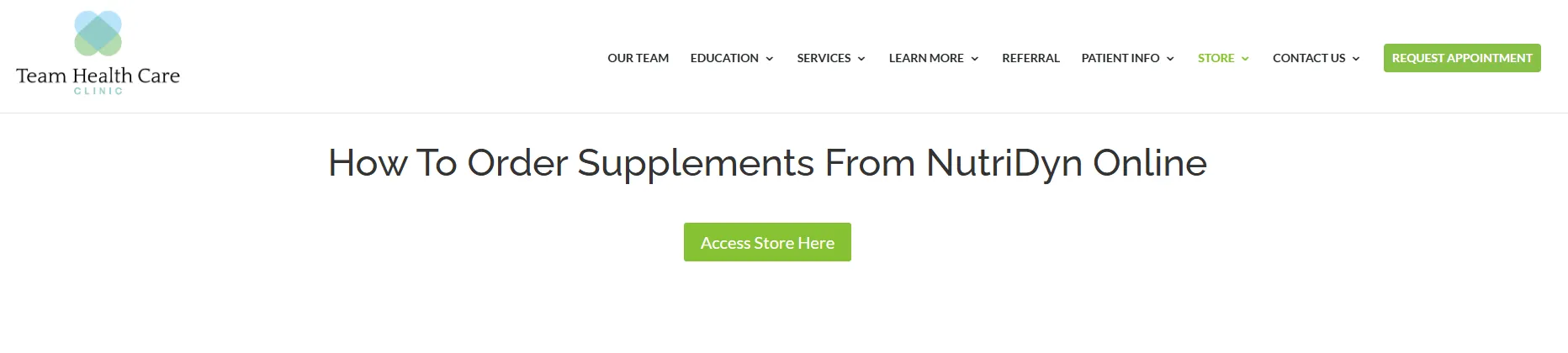
STEP 1: Google Search: teamhealthcareclinic.com

STEP 2: Hover over STORE tab and click on ORDER FROM NUTRIDYN, then click the green button, Access Store Here
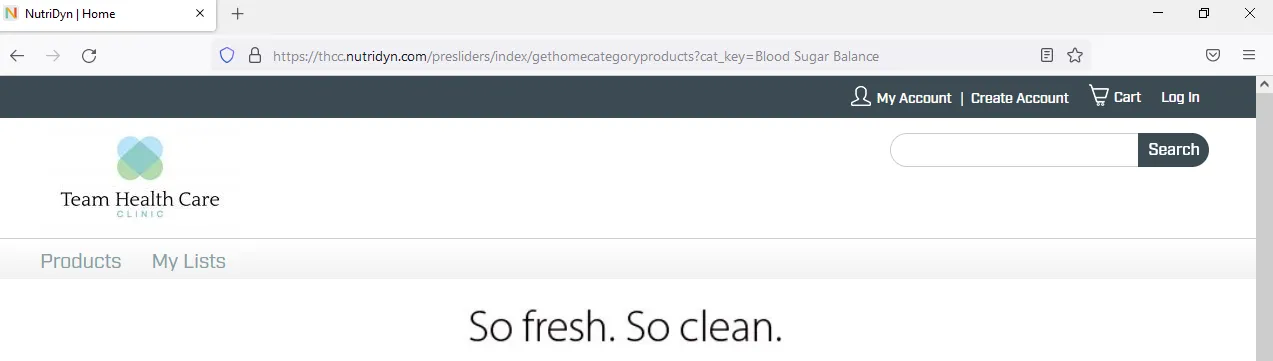
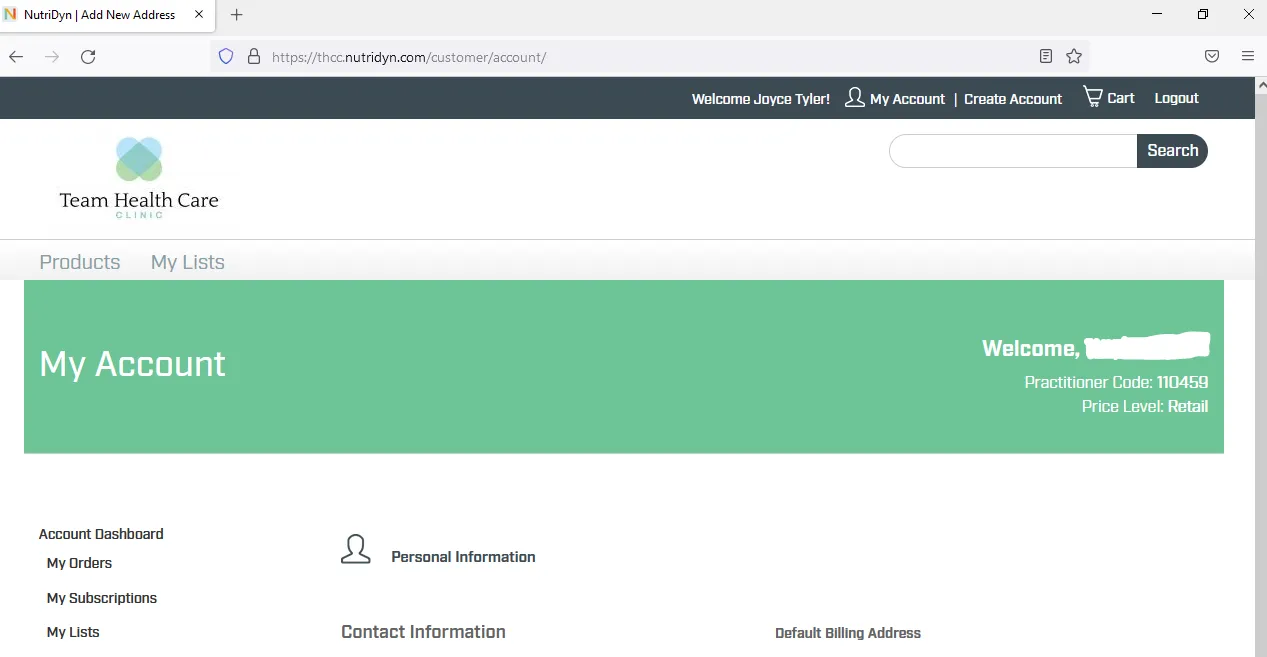
STEP 3: On the upper right hand side, click on “Create Account”. (If you already have created a login, click on My Account and Login).
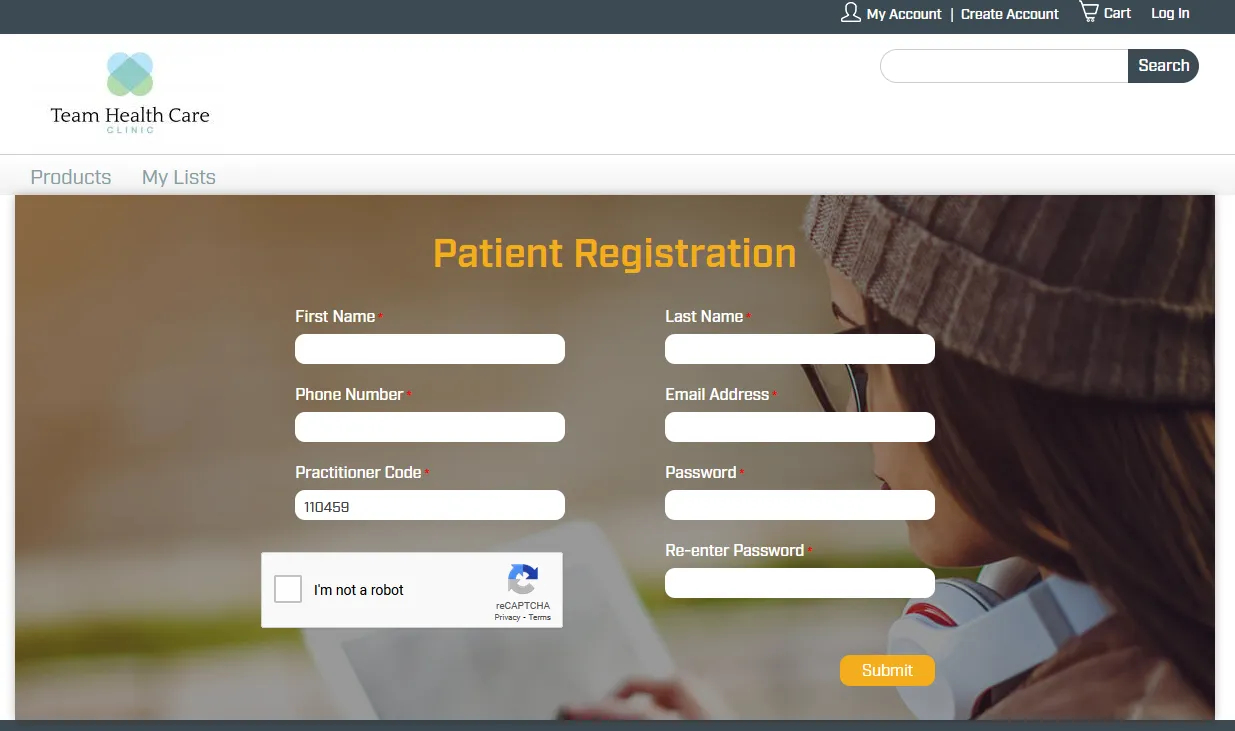
STEP 4: Fill out Patient Registration Information with practitioner code 110459 (you will only have to create an account once).
STEP 5: On the upper right hand side search bar, search for the product that you would like to order!
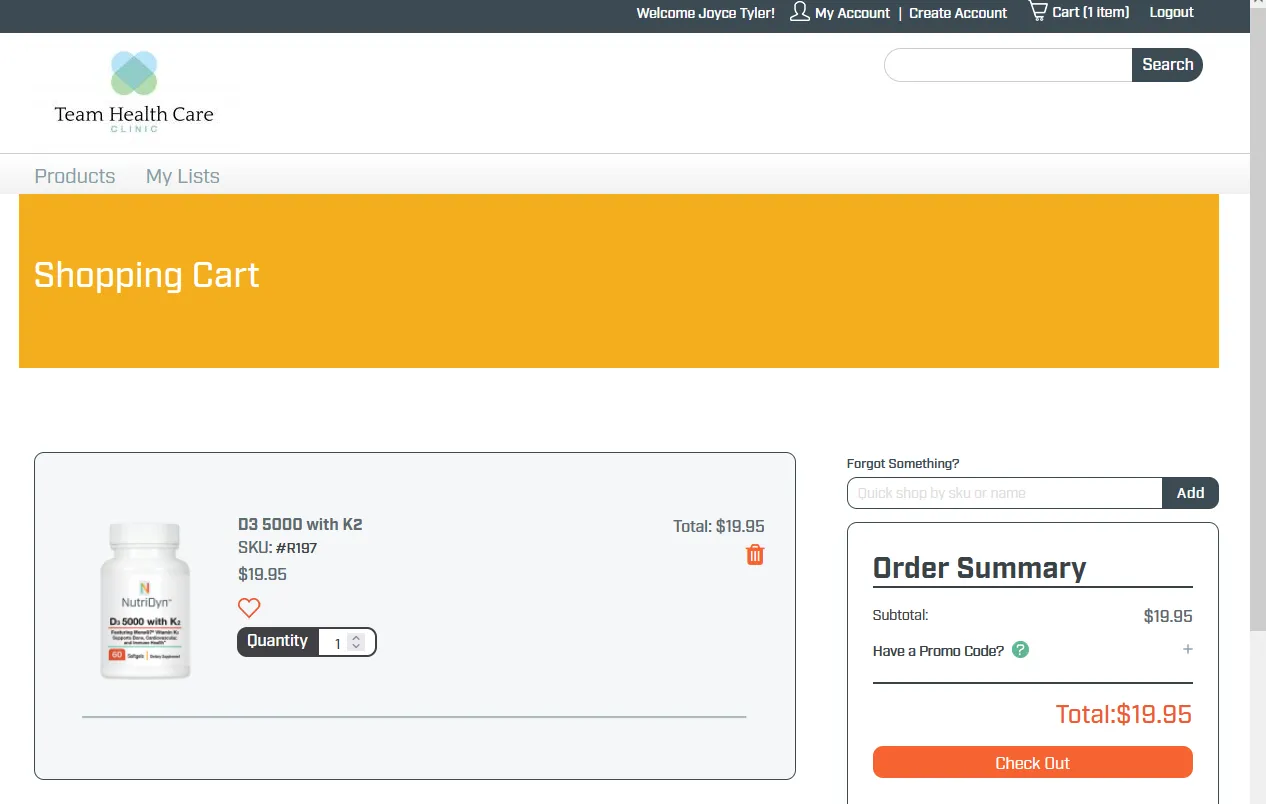
STEP 6: Once you have found a product you would like, click on “Add to Cart”. Then in the upper right corner, click on “Cart”. Review your cart and then click orange button labeled, “Check Out”.